


EasyConf Connect
EasyConf Connect is the leading hybrid meeting solution for council chambers, offering cloud-based or self-hosted options for secure remote participation. It integrates with meeting workflows, supporting inclusive remote involvement with features like voting, peaking queue, and content sharing, accessible from various devices, via app or web browser. Compatible with most major conference and camera solutions, MVI AudioVisual even allows clients to upgrade existing meeting room solutions.
Unique experience
EasyConf Connect enriches formal meetings beyond audio and video, integrating remote participants into all activities like request to speak, live stream, and voting. Managed from the room, it offers full control for both on-site and remote attendees, providing a unique, unified experience.
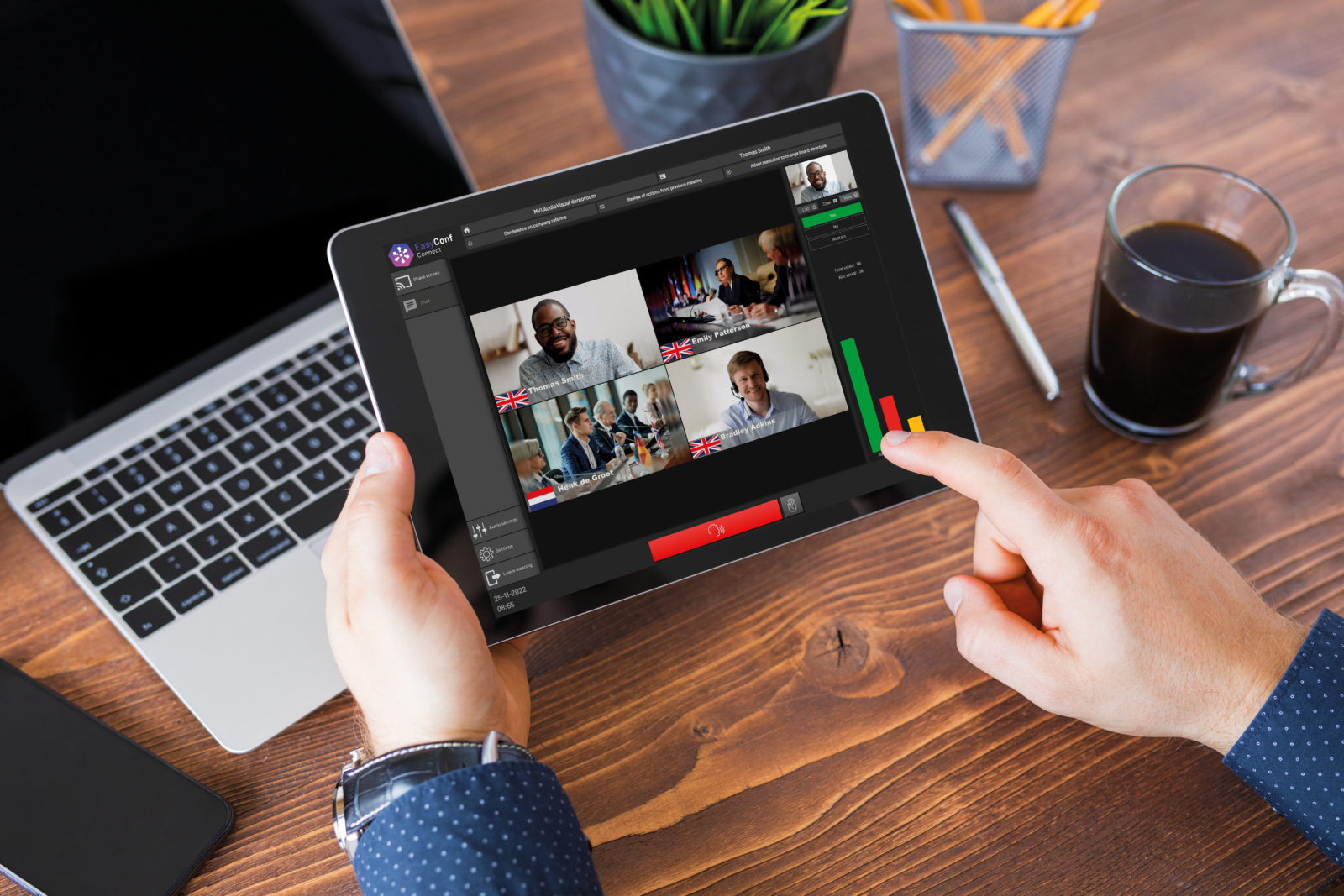
What you get with EasyConf Connect
- Participants can join from anywhere: participants receive an invite through email and are able to join using a browser or dedicated app.
- Organically part of the discussion: joined Request to speak (RTS) list, raised hands and microphone list, controlled from within the room.
- Hybrid electronic voting: conduct and report votes in an integrated solution for both in-room and remote participants. Certified by gpaNRW (Germany)
- Professionally recorded hybrid discussions: remote participants are embedded in EasyCam; part of split screen and automatically switched, just like in-room participants.
- Dedicated mosaic view: easy attendance registration and monitoring for chairman, clerk and technician.
- Technician mode: technicians can manage a lobby with people entering the meeting and check their audio and video first.
- Screensharing and chat: all embedded and fully part of the standard workflow.
- Breakout rooms: with a single action, operators can move all remote participants into a separate room and bring them back when needed.

Get the EasyConf Connect leaflet
Integrate meeting workflows and support inclusive remote involvement with features like voting, speaking queue, and content sharing, accessible from various devices, via app or web browser.

Security and privacy
Our solutions are designed to meet the highest possible privacy and security standards. A key aspect that every public and governmental organisation should prioritise. There is no personal data stored, no registration of users is required and no tracking cookies are used. The MVI Hosting servers are located in local countries to meet local laws. The connection is based on latest TLS standards. The online services can either be cloud-based or self-hosted. Self-hosting allows to embed the services in your own IT infrastructure, specifically designed for those institutes requiring the highest possible standards.