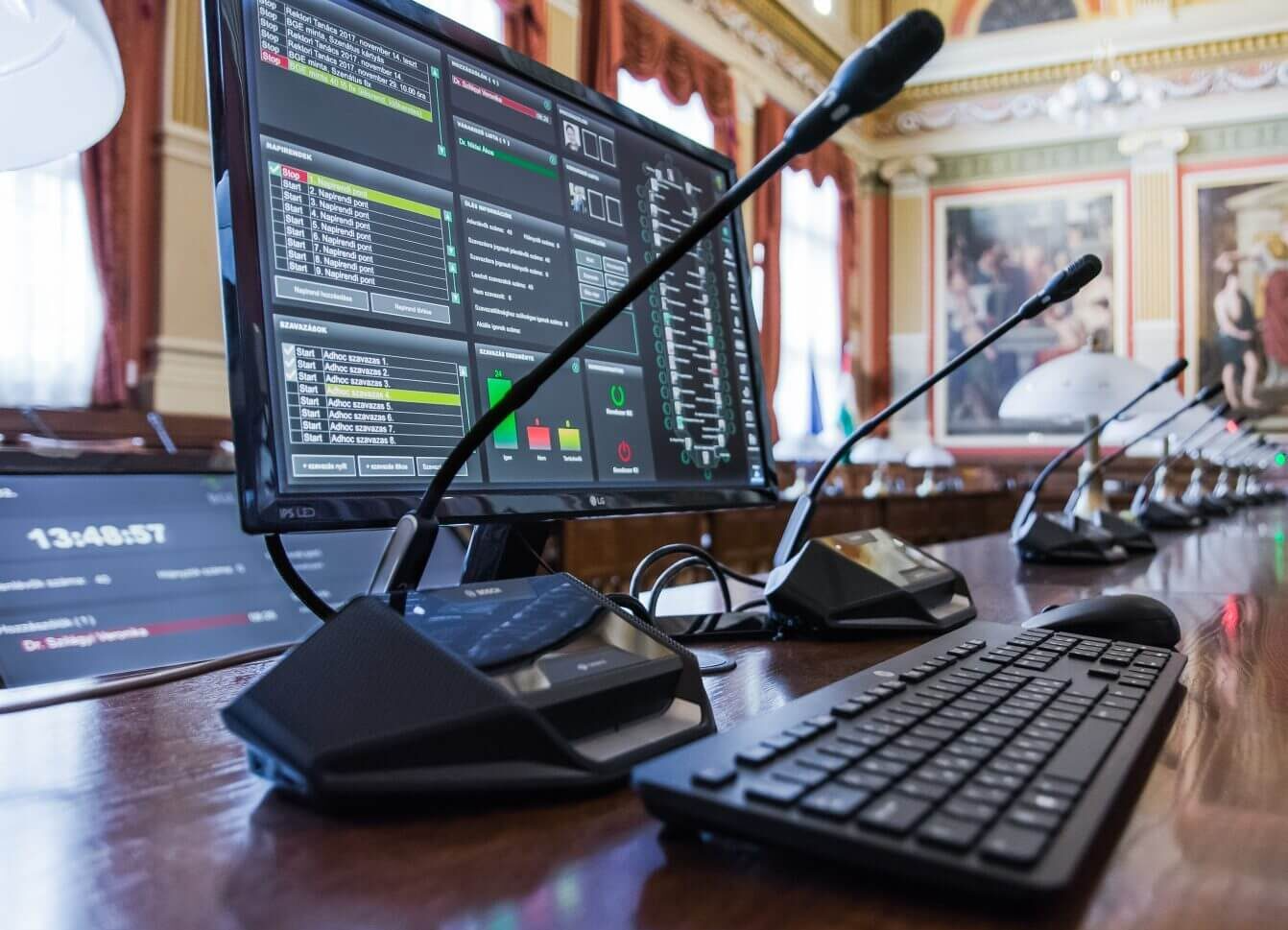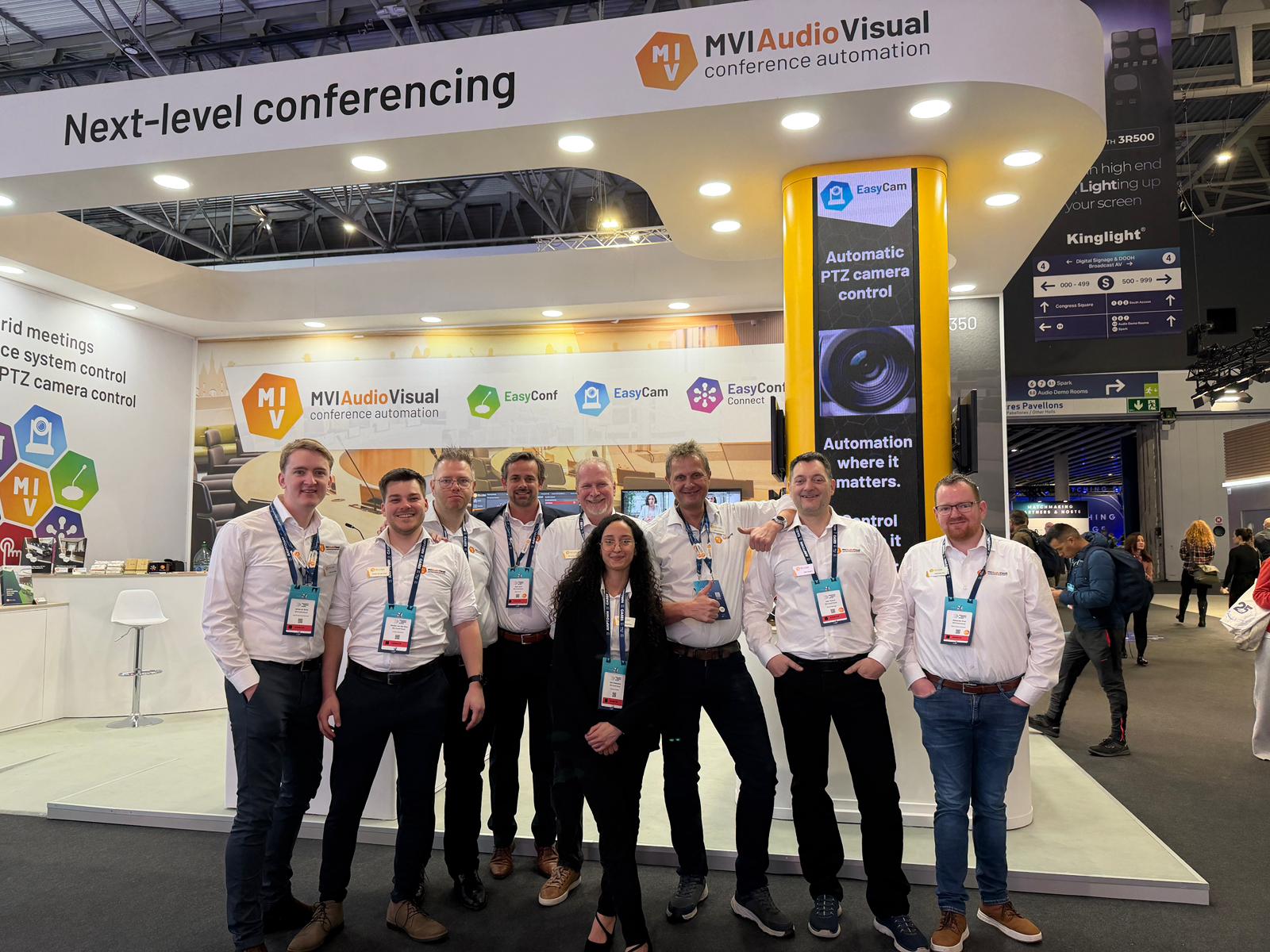


Automatic camera control
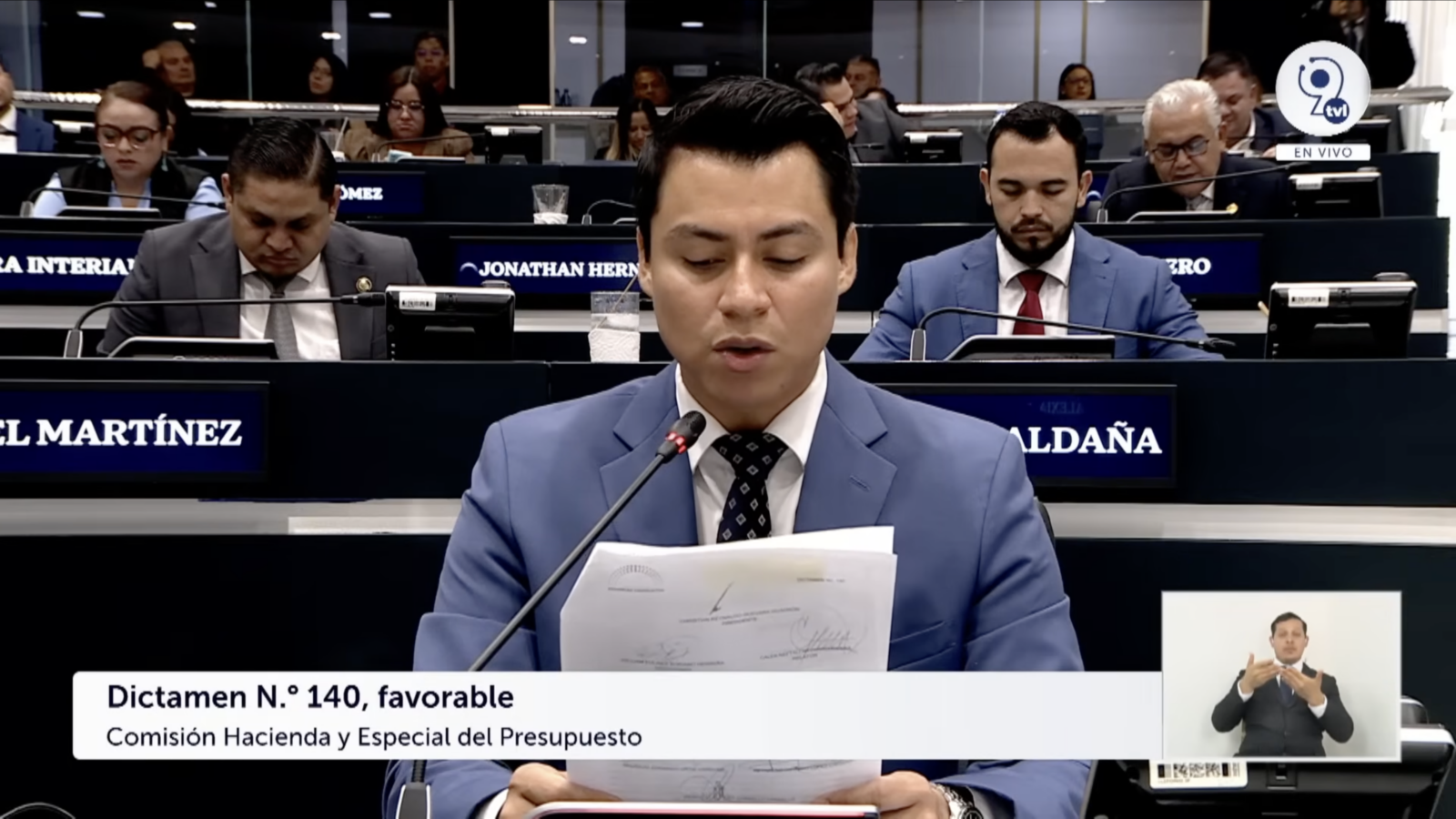
Livestreaming your meetings makes the democratic process better accessible and it allows the councillors to be more visible to the public, i.e. it gives them a greater stage. Over the last decades most of the councils turned to live streaming already. Still nowadays we see low quality livestreams without any information added into the stream. Our product EasyCam can turn your council chamber live stream into an attractive experience for the public.

Features that contribute to the solution
No complicated setup needed. No operator needed, fully automatic. Works with all leading camera suppliers.

Split-screen mode
See multiple participants when speaking simultaneously.

Multi-screen output
Combine multiple inputs to different outputs.

Ultra-low delay over IP
Real-time video and audio transmission with minimal latency.
Full 4K support
Use 4K cameras and broadcast in HD or 4K.
Feature overview
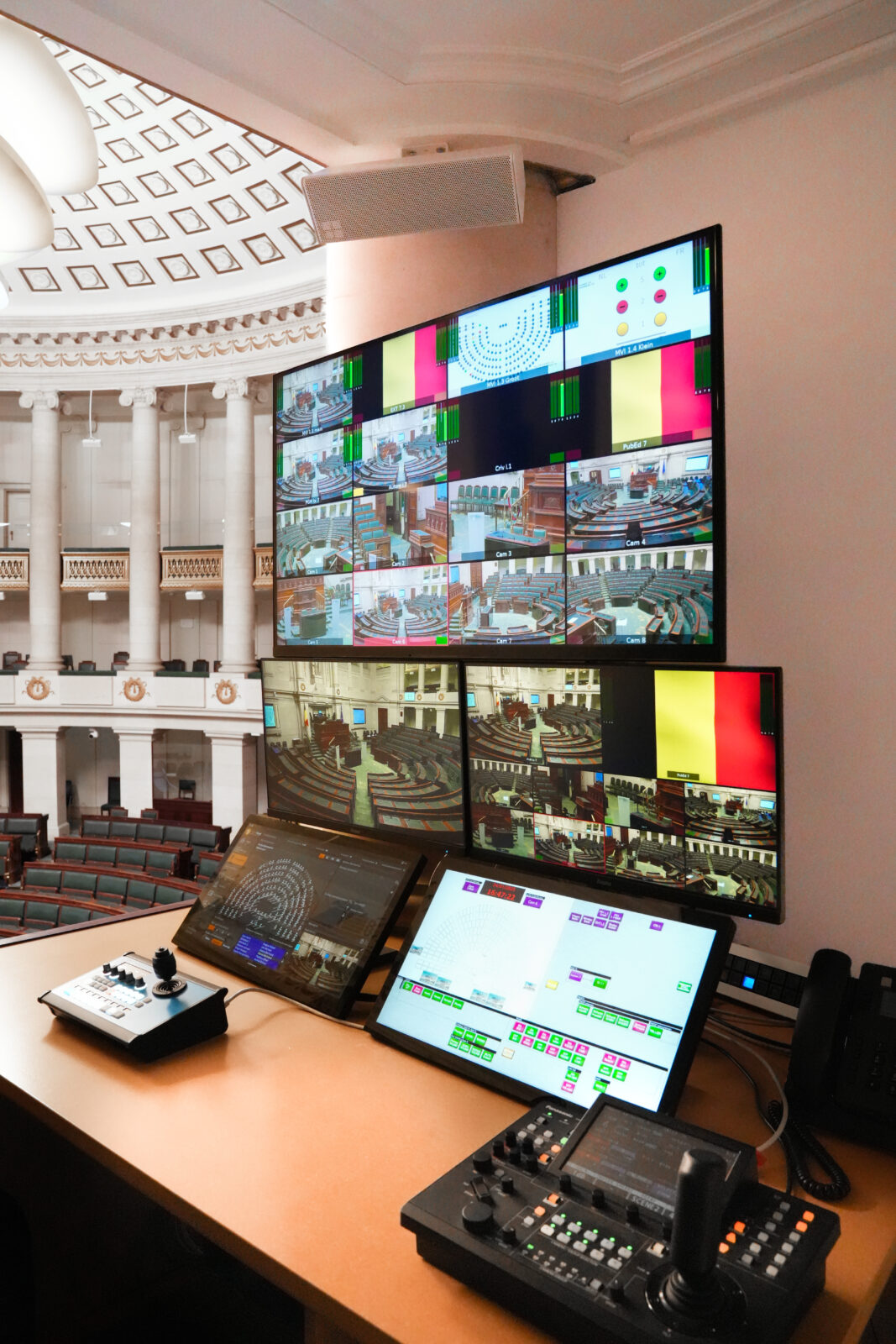
- Full automatic or manual dome control.
- Direct video ingestion through RTSP stream, NDI sources or SDI capture cards.
- Shows the full title and name of the speaker on screen.
- Split-screen mode, to show more than one speaker simultaneously.
- Multi-display output for clean-feed and a mosaic viewing.
- Low-latency video-over-ip displaying. Up to 24 cameras operating @ 1080p60.
- Full 4K support. Up to 6 camera’s @ 4k60 or 12 cameras @ 4k30 mode using our video-over-ip solution.
- Professional PTZ camera control
Broadcast your council, parliament or conference meeting
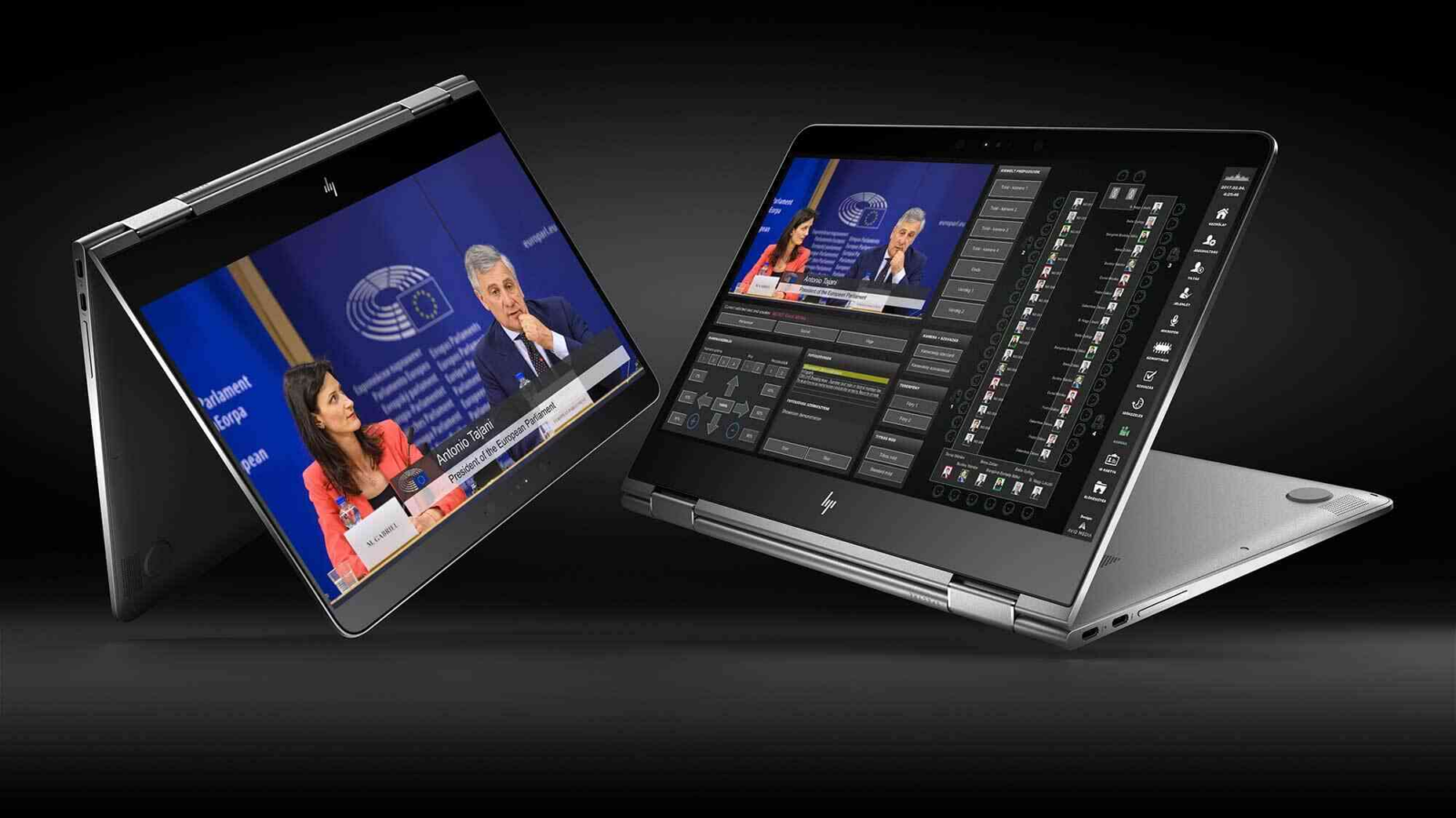
EasyCam was designed to ease the way you live stream or record your meetings. A fully automated camera control system automatically shows all active speakers. All information from the conference system, like voting results, attendance, current agenda item and more can be used to design your own custom overlaying. These powerful displaying features can be designed to be used for displays in the meeting room or for your audience in the live stream.
There is little or no hardware required to create a fully automated recording. We support IP cameras: control through Visca over IP and direct video ingestion through h.264 or h.265 streams. All video mixing and overlaying is managed in EasyCam, besides the graphical card there is no hardware involved.
AV Magazine about EasyCam
The Dutch-based developer’s software suite includes EasyConf, EasyCam and EasyConf Connect, which provide a comprehensive solution for preparing, managing, streaming and recording meetings with in-person and remote attendees.
Customisable control interface
EasyCam was designed for efficient, flexible livestreaming and meeting recording, with fully automated camera control system to automatically show all active speakers.
Plug-and-play functionality
MVI Audiovisual EasyCam is designed for straightforward plug-and-play functionality, offering the choice of wired or infrared wireless systems (or combination of the two).
MVI Audiovisual sales director Alain Poort said: “A very nice addition is that MVI brings a fully automated camera registration system that allows for up to 40 cameras to be controlled within our platform, complete with lower-third graphics to enrich the visual experience for both in-room and livestream audiences.”