

DelegateUI
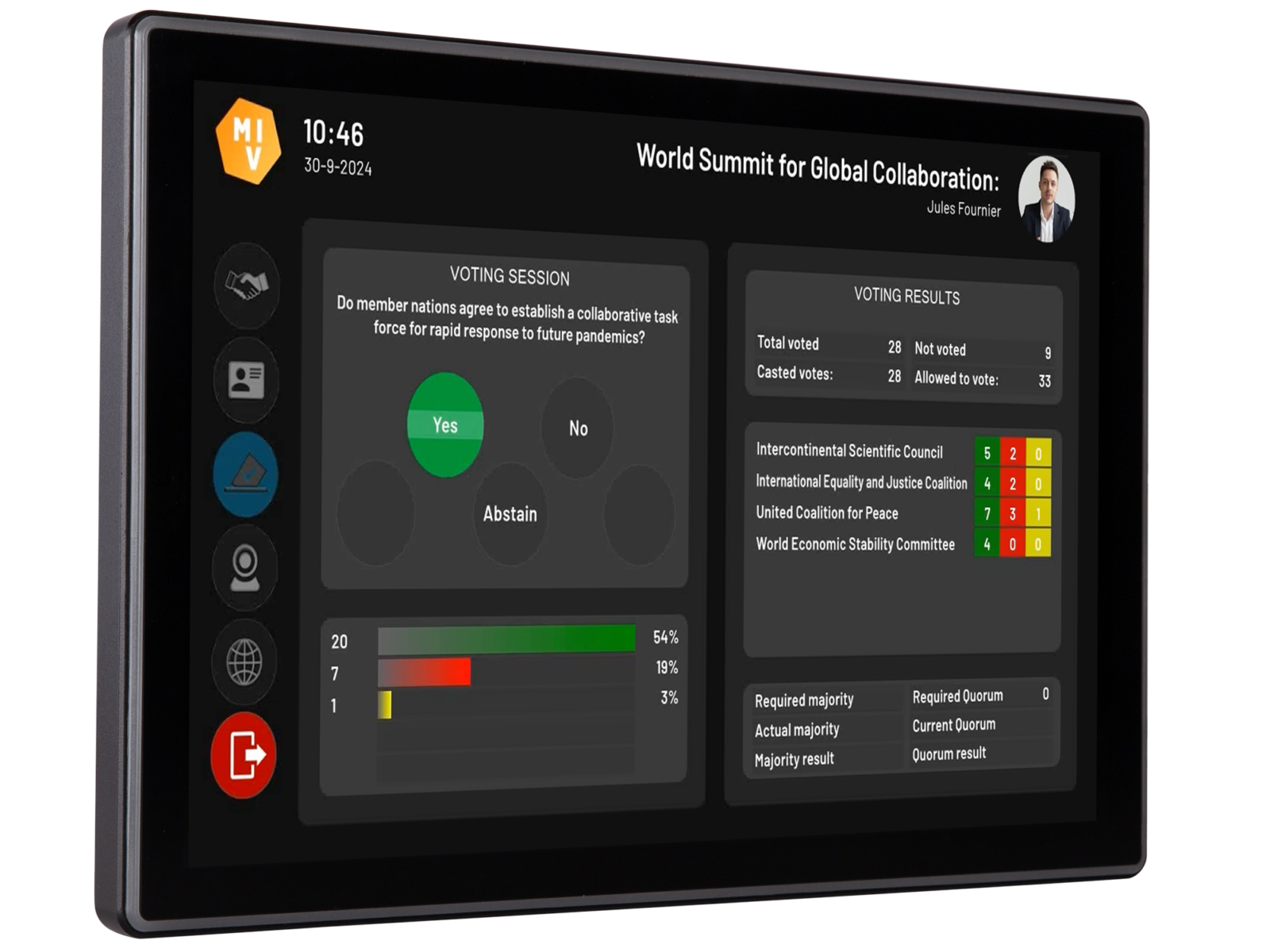
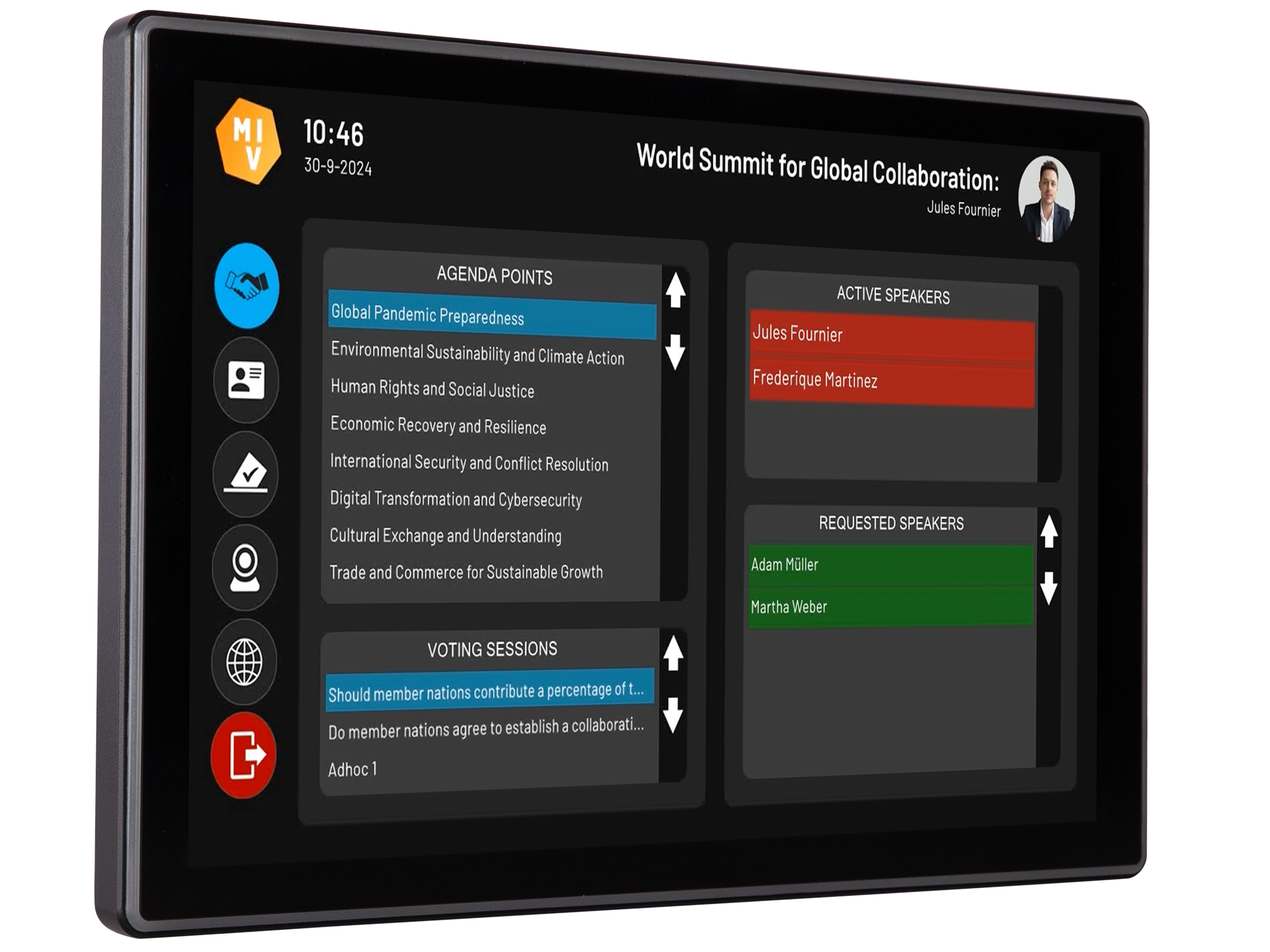
The ultimate flexible UI for in-room meeting participants is both familiar and innovative allowing our meeting controls to be placed directly on the delegates’ touch screen. Compatible with all supported conference systems and accessible through third-party (touch) displays.
Next-level conferencing
DelegateUI transforms formal meetings by offering unparalleled customisation on third-party displays, making it the premier workflow-agnostic product. Its independence from specific conference and microphone systems ensures flexibility and adaptability if hardware needs to be replaced.
Everything on one display
- Video: all participants have their own video screen and can choose their own channel
- Meeting information: all participants can see the ongoing topic, RTS, microphone list, remaining speech time
- Meeting control: user-based rights allow control of the meeting, votings and microphones
- Totally customisable workflow: configure all screens as required. Set automatic triggers to fit the workflow
- Fully customisable design: all screens are completely customizable through our editor. Both functionally and graphically
- NFC identification: optionally use the NFC reader in the touch display, not required in the conference system
- Paired to the microphone: the display is paired to the microphone and therefore interacts when required
- Multilingual: present the customised user interface in the participants’ native language, based on a configurable translation table
EasyConf Control with DelegateUI
DelegateUI on specific hardware
For environments that require dedicated conference hardware, DelegateUI integrates tightly with industry-leading brands. The result: a modern, consistent user interface on trusted, purpose-built devices. Hardware-optimised DelegateUI runs on or alongside professional conference hardware, using each platform’s strengths while keeping all meeting logic unified within EasyConf.
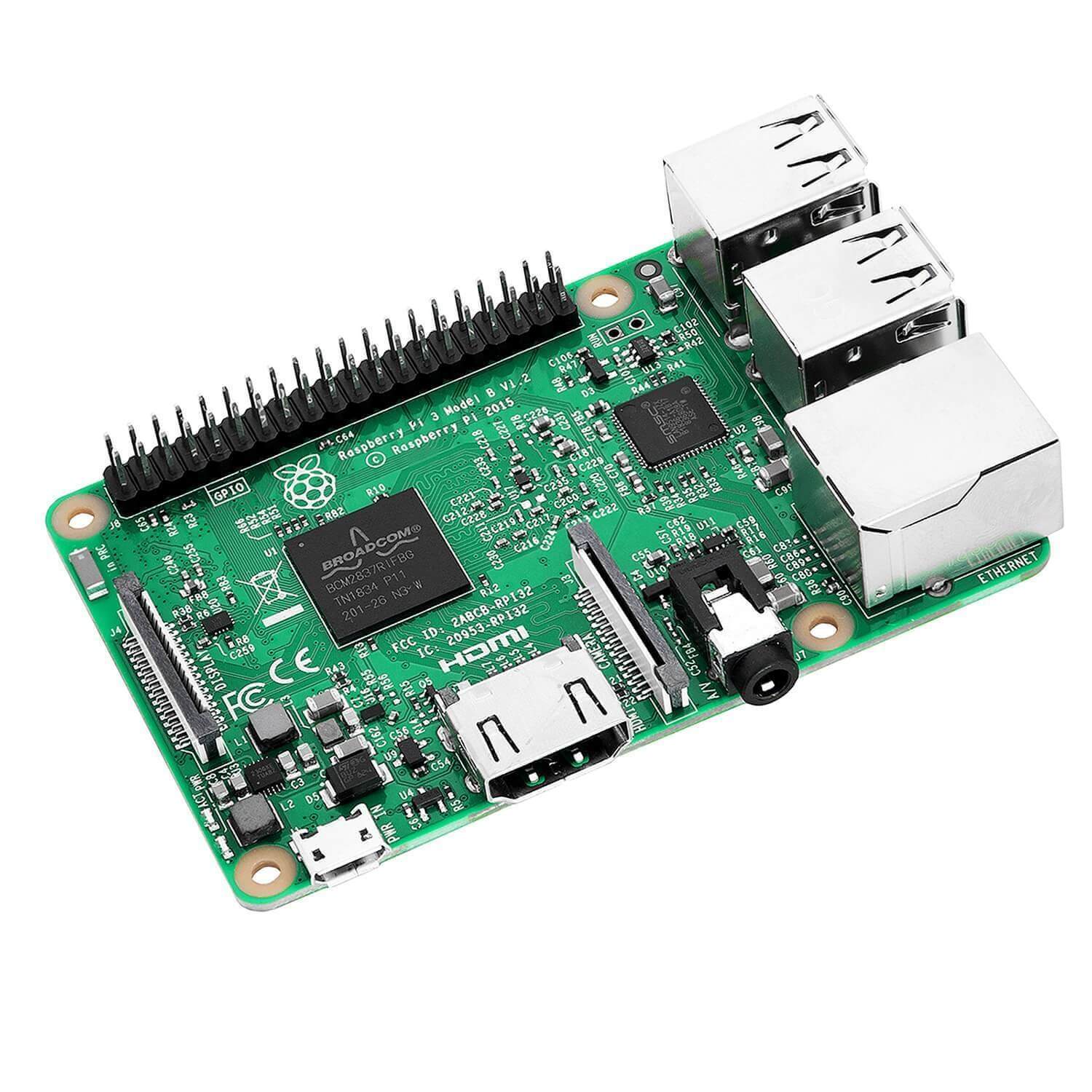
Raspberry Pi
A compact and cost-effective solution for custom installations.
- Ideal for fixed desks, custom housings, or retrofitting legacy rooms
- Connects directly to the EasyConf server over the network
- Supports external touchscreens and peripherals
This approach offers maximum freedom in form factor and layout, with minimal hardware overhead.
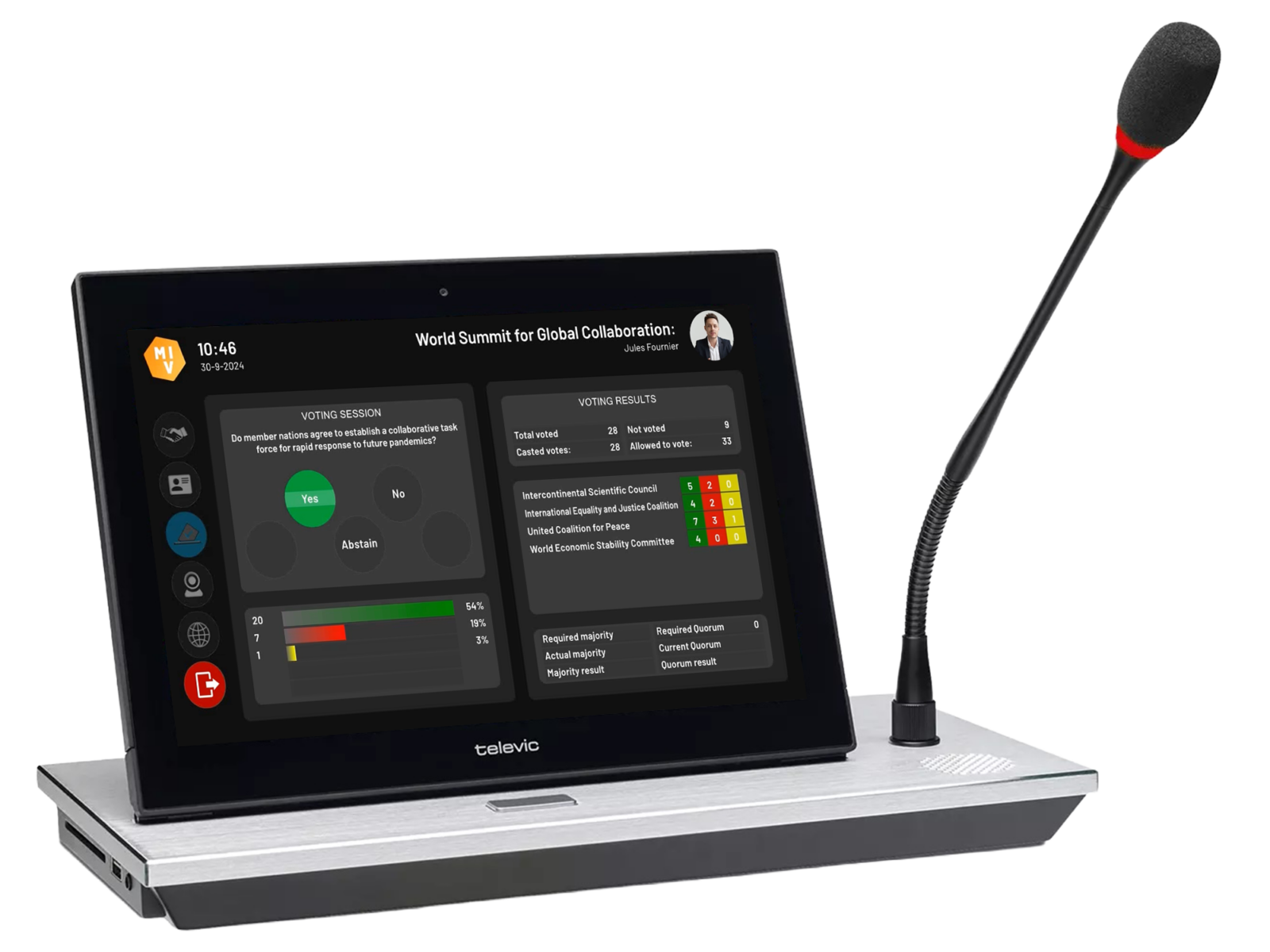
Televic uniCOS
DelegateUI is designed to take full advantage of the functionalities of the uniCOS unit.
- DelegateUI runs directly on the uniCOS touchscreen
- Native support for voting, speaking control, agenda navigation, and multimedia
- Consistent EasyConf experience across wired, wireless, and hybrid setups
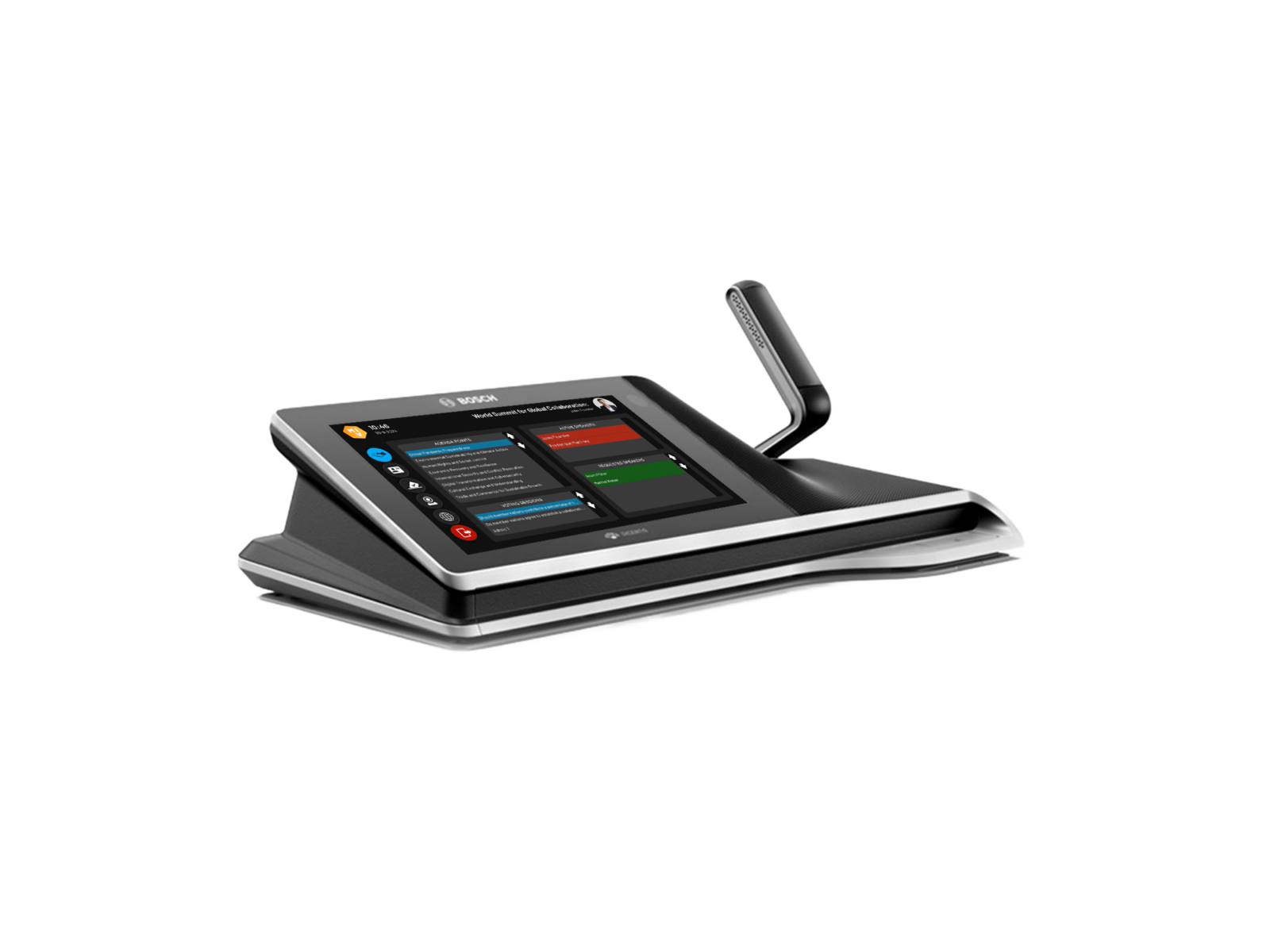
Bosch MMD2
DelegateUI integrates with Bosch multimedia conference devices to deliver a modern user experience on trusted infrastructure.
- DelegateUI runs on Bosch hardware
- Full support for speaking requests, voting, agenda display, and meeting status
- Bosch hardware handles audio and physical inputs and MVI software handles the interface and workflow
Hardware partners
DelegateUI is used on our partners’ interactive displays. We tested some but not all products from the following partners.
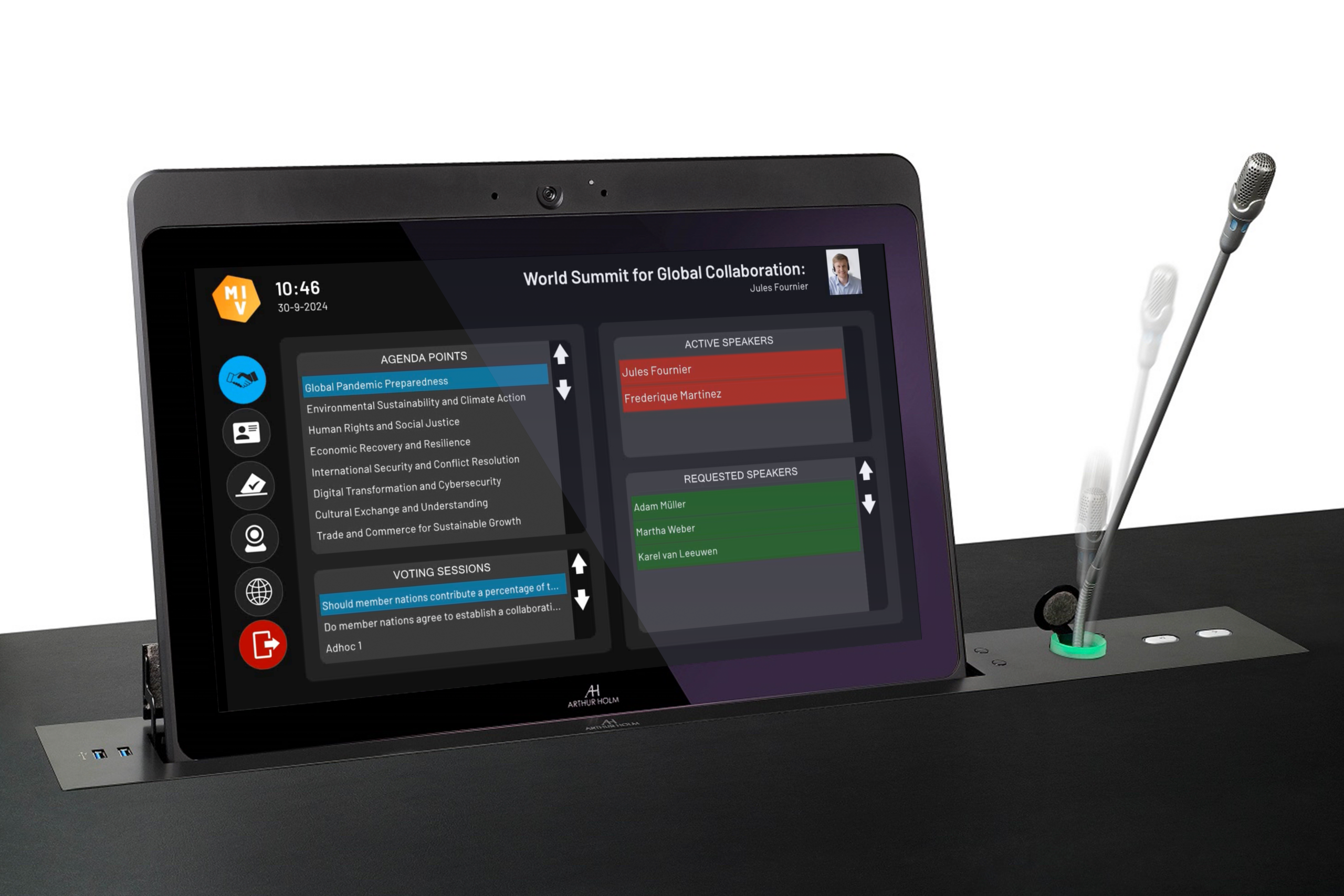
Arthur Holm
Arthur Holm’s motorised retractable monitors and microphones provide a sleek, modern aesthetic to any conference hall. The monitor rises and tilts smoothly, with the ability to stop and memorise their preferred position for future use.
The DelegateUI interface can be easily navigated via touch, offering an intuitive and user-friendly experience.
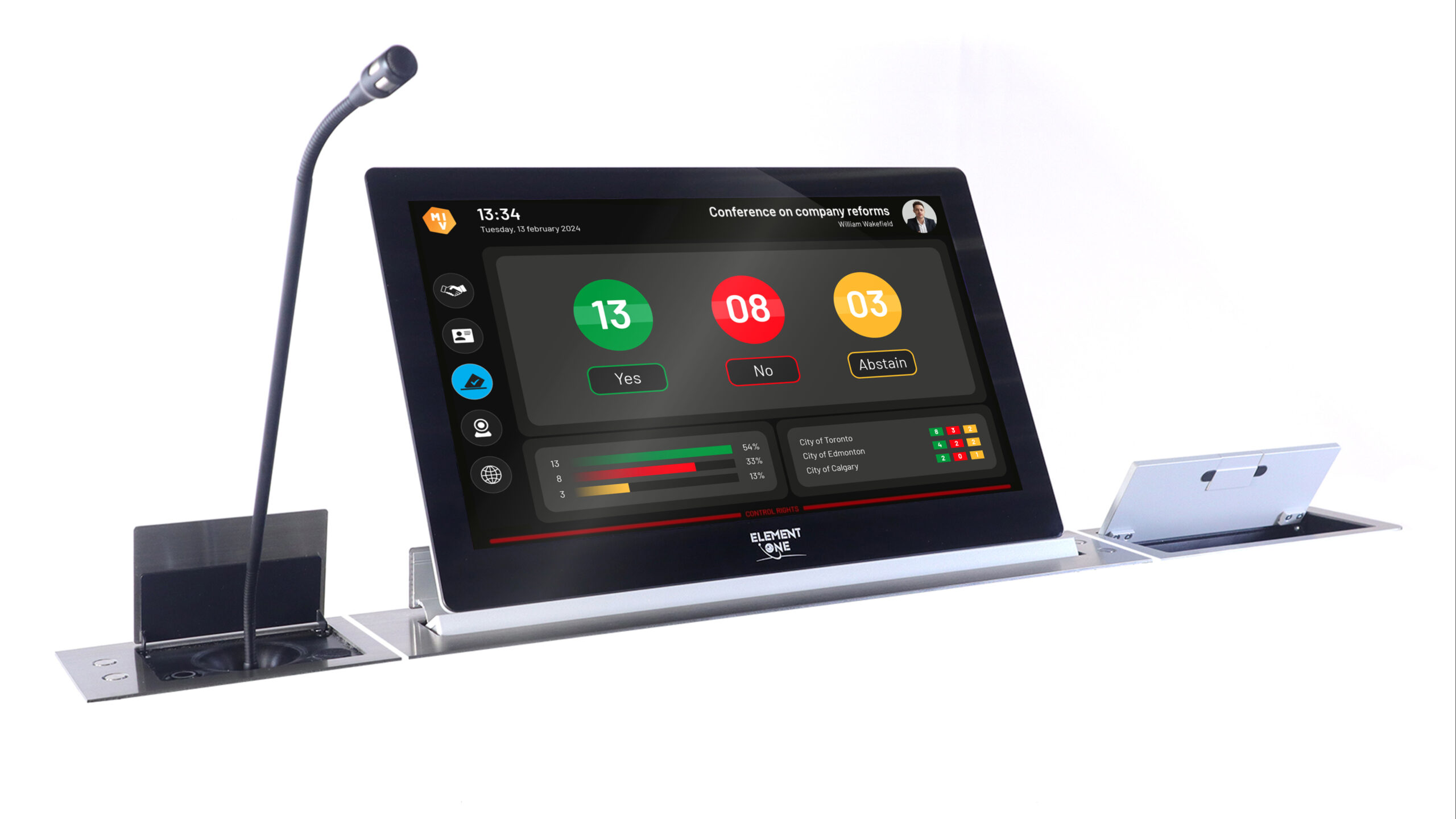
Element One
A solution that elegantly brings together the heterogeneous world of conference components in the meeting room, from microphones and voting to integrated video conferencing.
With the optional multipoint touchscreen, every display becomes an all-rounder when it comes to communication and collaboration.
ProDVX
DelegateUI can be seamlessly integrated as an app on ProDVX touch panels.
Versatile and adaptable, the touch panel can be implemented in various settings, from large council chambers to small formal meeting rooms. DelegateUI on the ProDVX panel ensures an unparalleled conferencing experience, no matter the environment.
Nameplates
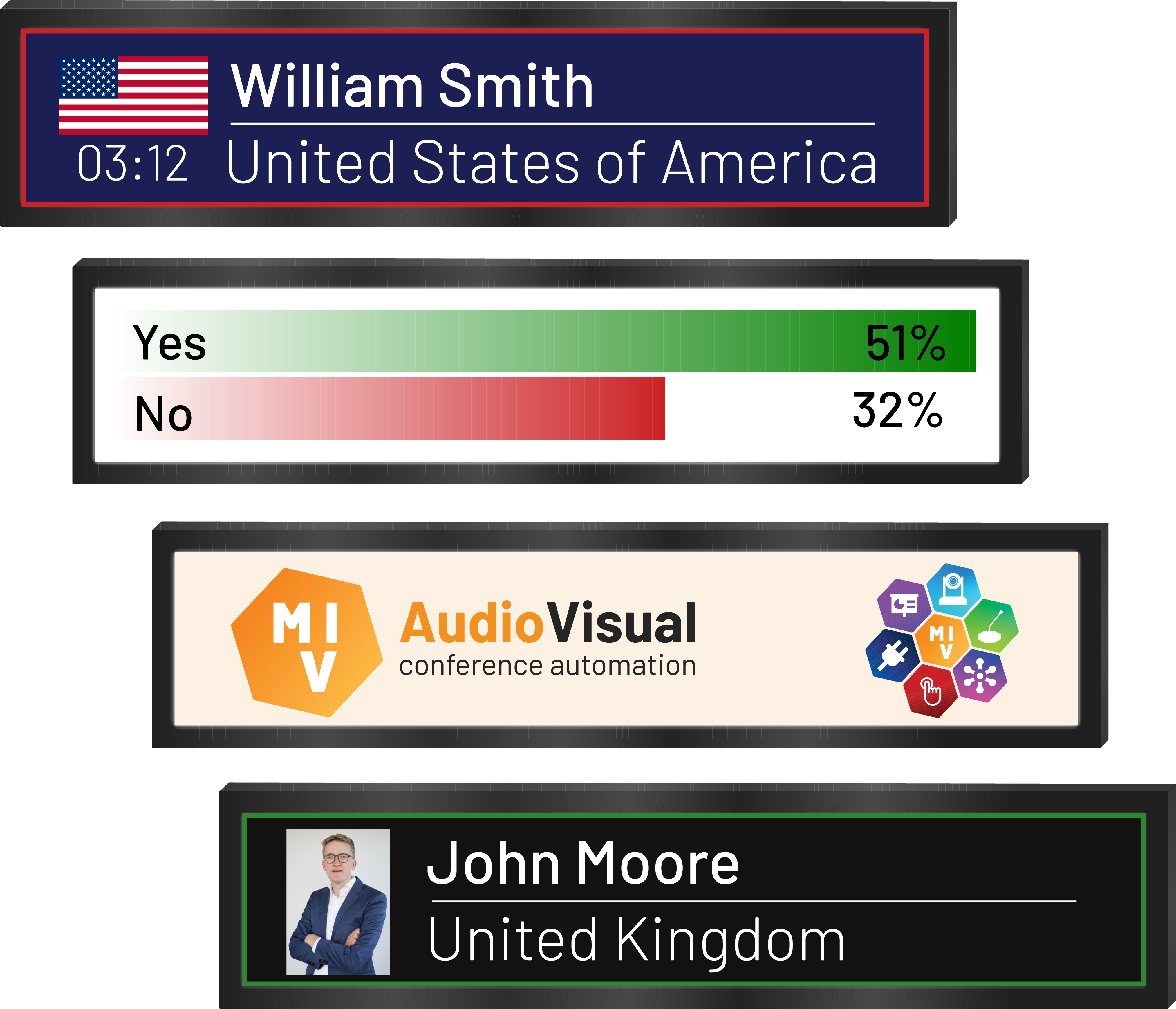
Electronic nameplates replace manual, printed ones and automatically display participants’ full names and party logos. They display information for delegates, adapting to the active meeting, seat changes and accommodate various groups, offering extensive design capabilities and the ability to show more information than any other product on the market.
Key benefits
- Display full name in any colour: not limited by font size, character set or colouring. Design the screen to your liking
- Logos and photos: show a (group) logo or the photo of the participant
- Show microphone status: indicate the active speaker or RTS status of the attached microphone
- Live speech timer: optionally show the speech timer of the participant
- Voting results: make the most out of the screen and use it to show the delegate’s vote status to clarify the results both in the room and on video.